YouTube to Mp3 Converter
Our free YouTube to MP3 converter turns your favorite videos into high-quality audio. No ads, no distractions—just fast, secure downloads for offline music, podcasts, and more.



Loved by 10,000+ users

Studio-grade Feel
Preserve rhythm, tone, and musical mood.

Real AI Audio
Generate useful results for real creative tasks.

Fast & Easy
Upload and start processing in a few steps.

Privacy Protected
Your audio files are processed safely.
HOW IT WORKS
How to Convert YouTube to MP3?
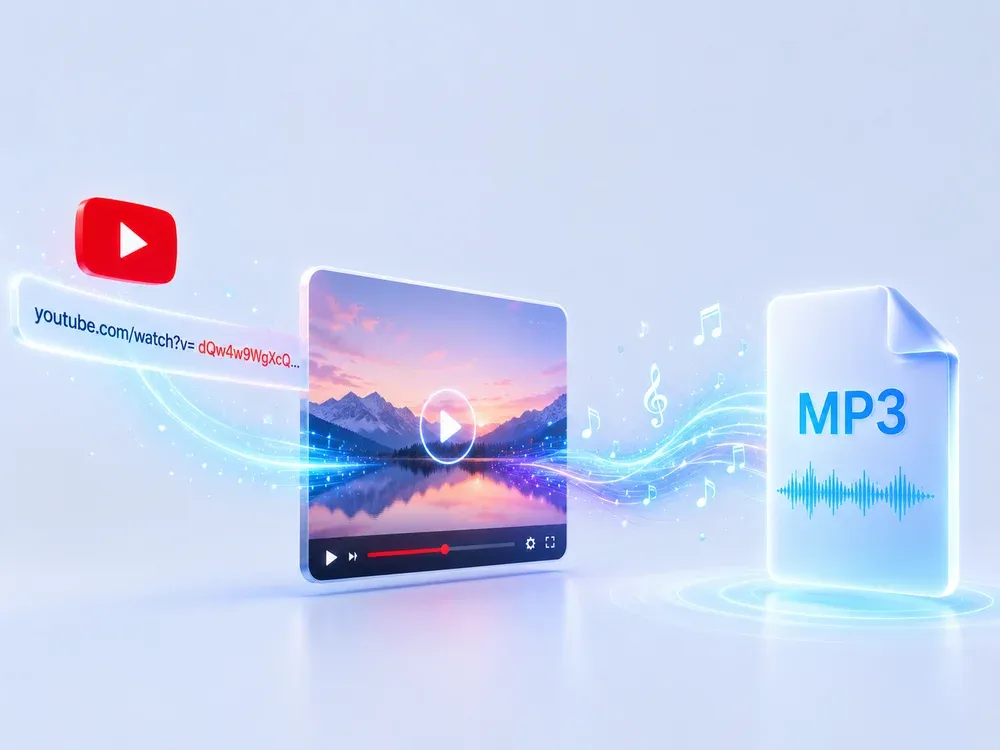
A clear three-step flow: provide the source, let AI process it, then preview and download the result.
Copy the YouTube Link
Copy the address of the desired YouTube video via your browser's address bar or share button.
Paste the Link
Paste the copied link into our YouTube audio downloader and MP3 converter, we support any public YouTube link.

Download the Audio
Click the Convert button and wait a few seconds to download high quality audio in MP3 format and use it offline.
USE CASES
Built for Creators, Students, and Everyday Fans
Reliable, fast, and uncompromising on quality
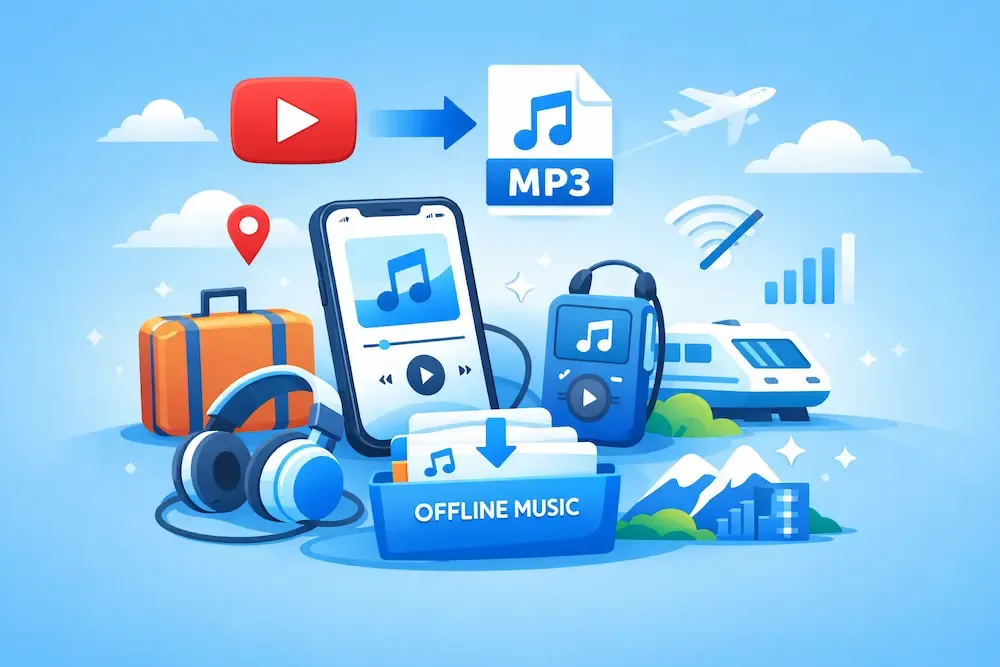
Personal Offline music collection
Convert your favorite YouTube videos into high-quality MP3 files for offline listening — enjoy them anytime, anywhere, whether you're traveling, commuting, or saving data, without needing an internet connection.
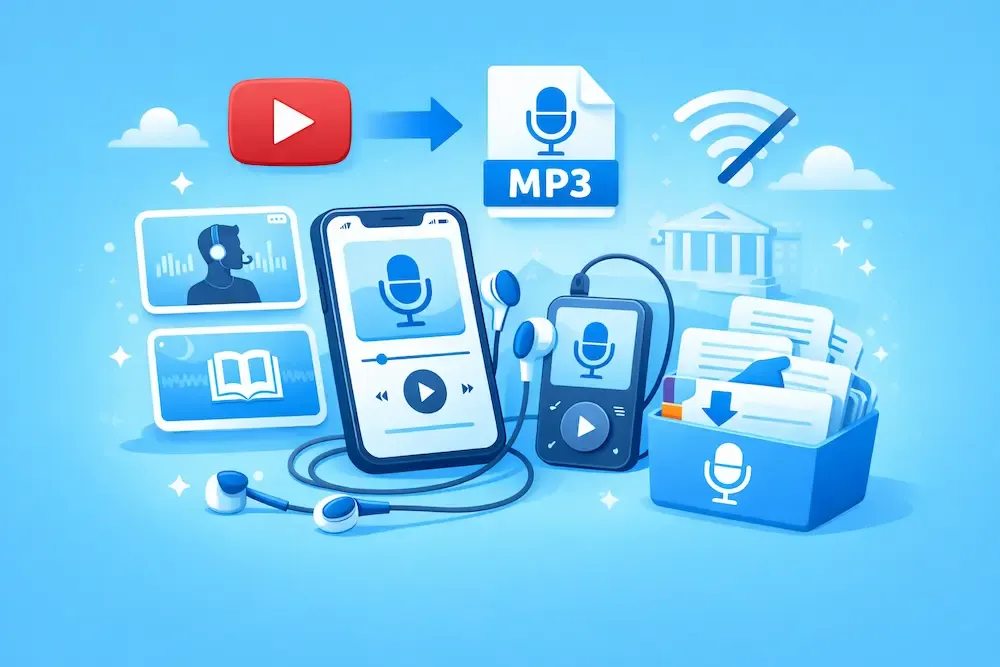
Save podcast and talk audio
Love in-depth interviews or storytelling podcasts on YouTube? Convert their to MP3 offline files for listening on the go, perfect for building a personal mobile podcast library.
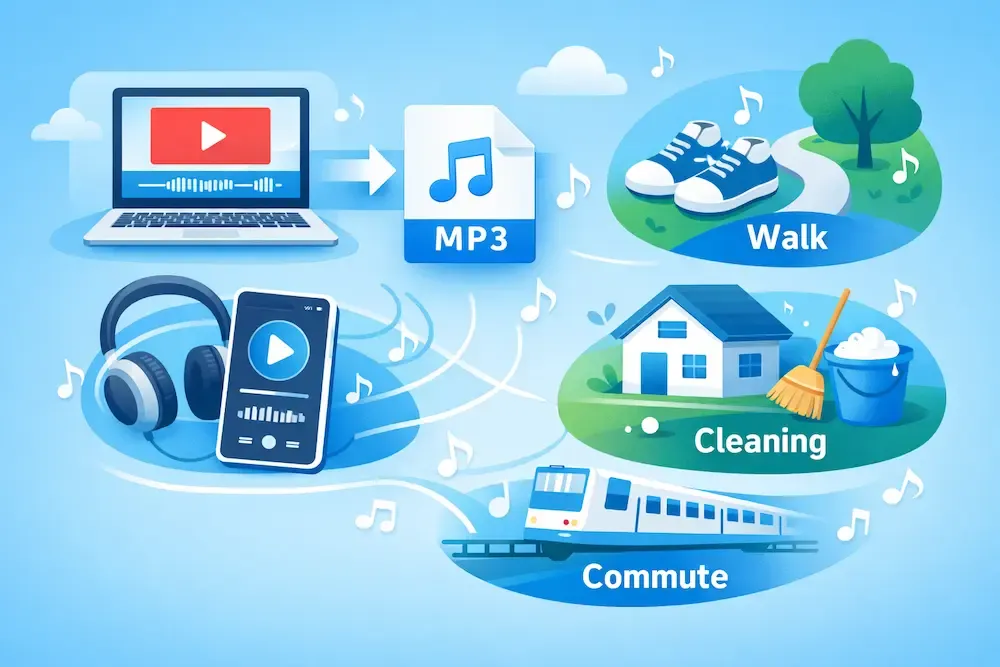
Learn anywhere with YouTube to MP3 Converter
Grab the sound from lectures, tutorials, and study videos on YouTube. You don't have to look at the screen, so you can hear it wherever you go, whether it's on a walk, cleaning the house, or on your commute.
WHY MUSICEXTEND
Advantages of YouTube to MP3 Converter
Every part of the flow is designed around one goal: help users get usable audio results faster.

Free & Unlimited Conversions
Convert as much as you want — no limits, no costs. Just turn your favorite YouTube videos into MP3s for free.

Listen Anytime, Without Internet or Ads
Skip the ads and buffering. Download audio once and enjoy it offline, anywhere, without interruption.

Save Space and Stay Focused
MP3 files take up way less space than videos. Perfect for learning or staying focused while on the go — no distractions, just the sound you need.
What People Saying About YouTube to MP3 Converter
Frequently Asked Questions
It's a powerful YouTube audio downloader that lets you convert any YouTube video to high-quality MP3 with just one click.
To download songs from YouTube to MP3, all you need to do is copy the video link of the song, paste it into our YouTube to MP3 converter, and click download. Within seconds, you’ll have a high-quality MP3 file saved on your device — no signups, no hidden charges. Perfect for saving music playlists and tracks for offline listening.
Yes! Every feature — including unlimited conversions and downloads — is completely free. No hidden fees or subscriptions.
No installation required. The conversion results in MP3 audio that runs directly in a browser on any device - Android, Mac, Windows or Linux.
Download youtube audio is quick and simple. Just grab any YouTube video URL — whether it's music, a podcast, or a tutorial — and paste it into our YouTube audio downloader. Our tool will convert YouTube to MP3 in high quality and allow you to download it instantly. No software, no limits, 100% free.
You need an internet connection to convert and download the audio. Once downloaded, though, you can listen offline anytime.
Yes. We use HTTPS encryption for all connections, and all conversion data is automatically deleted from our servers after download.
No. We only support publicly accessible videos that comply with YouTube’s terms of service.
Longer videos (especially those over an hour) or videos encoded at high resolutions may take more time to process. You’ll see a progress bar so you know it’s working.
Try using YouTube to MP3 Converter now!
Want to convert YouTube to MP3 fast? Just copy and paste the link — your high-quality MP3 will be ready in seconds.