Remove Breathing from Audio
Remove breath sounds from your audio tracks instantly with our AI Breath Remover. Perfect for podcasts, videos, and professional voice recordings.


Studio-grade Feel
Preserve rhythm, tone, and musical mood.

Real AI Audio
Generate useful results for real creative tasks.

Fast & Easy
Upload and start processing in a few steps.

Privacy Protected
Your audio files are processed safely.
HOW IT WORKS
How to remove breathing from audio?
A clear three-step flow: provide the source, let AI process it, then preview and download the result.
Upload Your Audio
Import the voice recording, podcast, or video file you want to clean up. Supported formats include MP3, WAV, and more.
AI Breath Removal
Click the 'Remove Breathing' button. Our AI will analyze the audio and remove breath from audio while keeping speech natural.

Preview & Download
Listen to the cleaned track, make adjustments if needed, then download your final audio file instantly.
USE CASES
Powerful AI Breath Remover for Any Scenario
Clean up your voice recordings with AI in seconds!
Podcast Editing
Remove breathing from audio automatically, saving hours of manual editing. With our AI-powered tool, you can instantly remove breath from audio while keeping your voice natural and engaging. Perfect for podcasters who want to deliver professional-quality episodes with crystal-clear sound and no distracting noises.
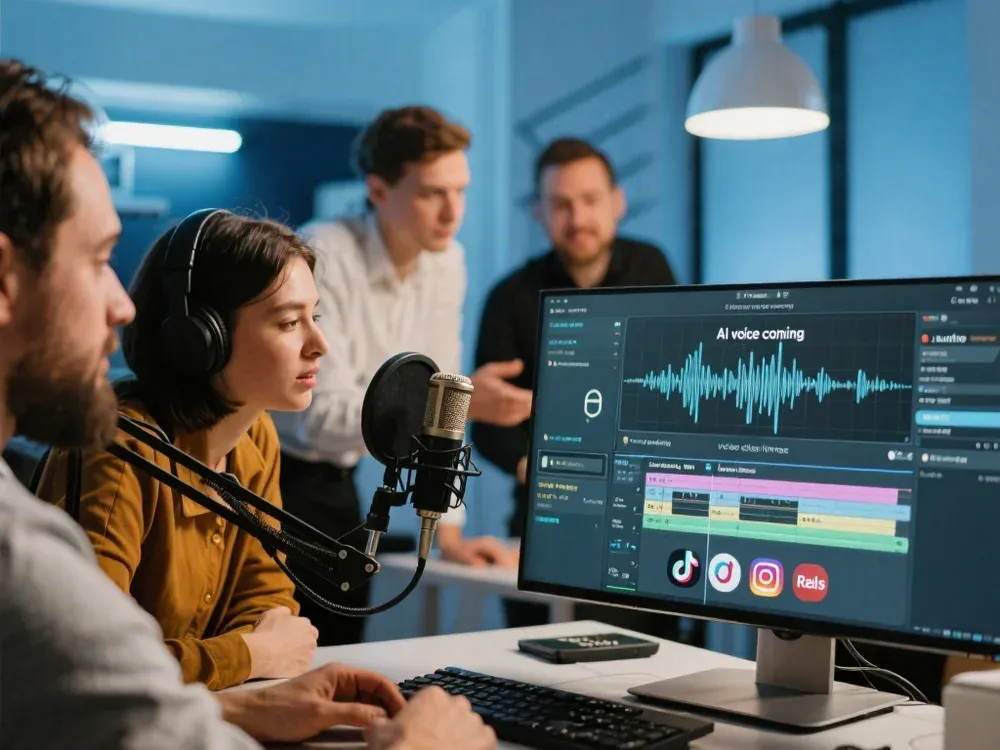
Voiceovers & Audiobooks
Make your narration sound smooth and polished by removing breath from audio without affecting tone or clarity. Whether you’re recording a voiceover for a commercial or narrating an entire audiobook, our AI ensures your voice stays consistent, professional, and easy to listen to for hours.
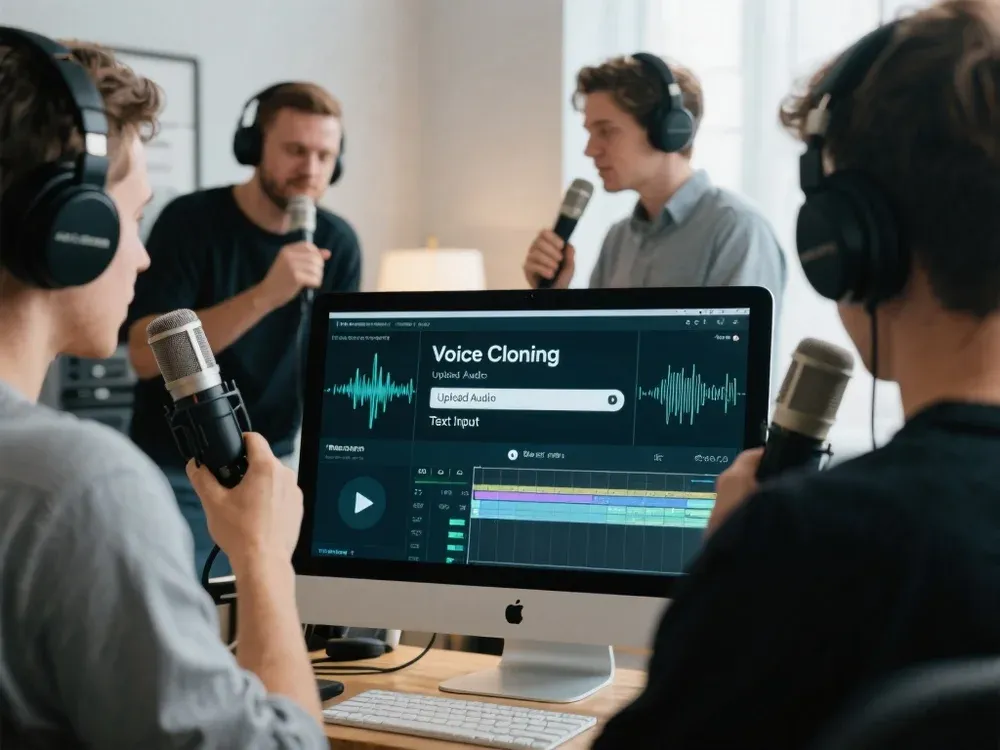
Video & Content Creation
Improve video audio tracks instantly by removing breathing from audio and cutting out unwanted pauses. Perfect for YouTube creators, TikTok influencers, or online course instructors who need clean, distraction-free sound. With just one click, you can remove breath from audio and make your content sound polished and professional.
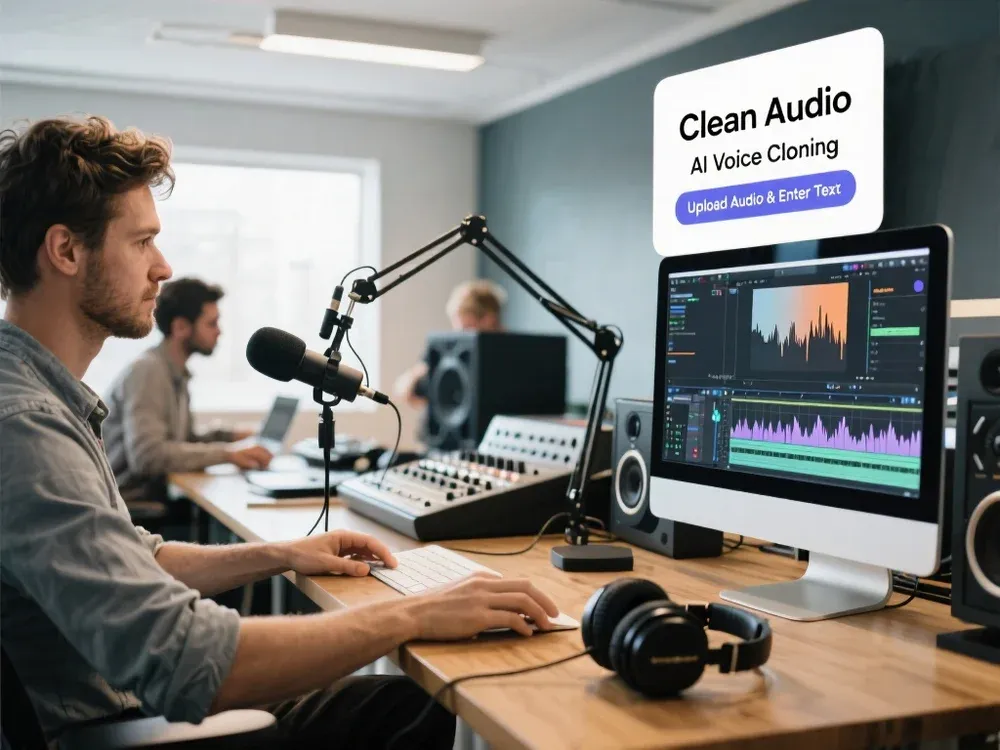
WHY MUSICEXTEND
Why Choose Our Breath Remover?
Every part of the flow is designed around one goal: help users get usable audio results faster.

AI-Powered Accuracy
Detects and removes breath from audio automatically while preserving natural pauses for a human-like sound.

Save Editing Time
Eliminate the need for manual breath cutting in DAWs or editors. Get results in seconds.

For All Creators
Ideal for podcasters, YouTubers, voice actors, audiobook creators, and anyone who needs clean audio quickly.
Frequently Asked Questions
Credits are MusicExtend’s prepaid balance: each AI tool function costs credits. No subscription, no monthly fee.
Expiry rules are shown under “Payment details” on this page; if none is declared, credits never expire.
Payment status is shown in order details; if your order is not updated for a long time, contact support with your payment receipt.
Refunds follow the refund policy linked on this page.
Credits can be used on any tool that supports credit payment.
Email [email protected] and we will get back to you promptly.
Try Removing Breathing from Audio Now
Upload your file and let AI remove breath from audio instantly — free and online!