BPM Finder
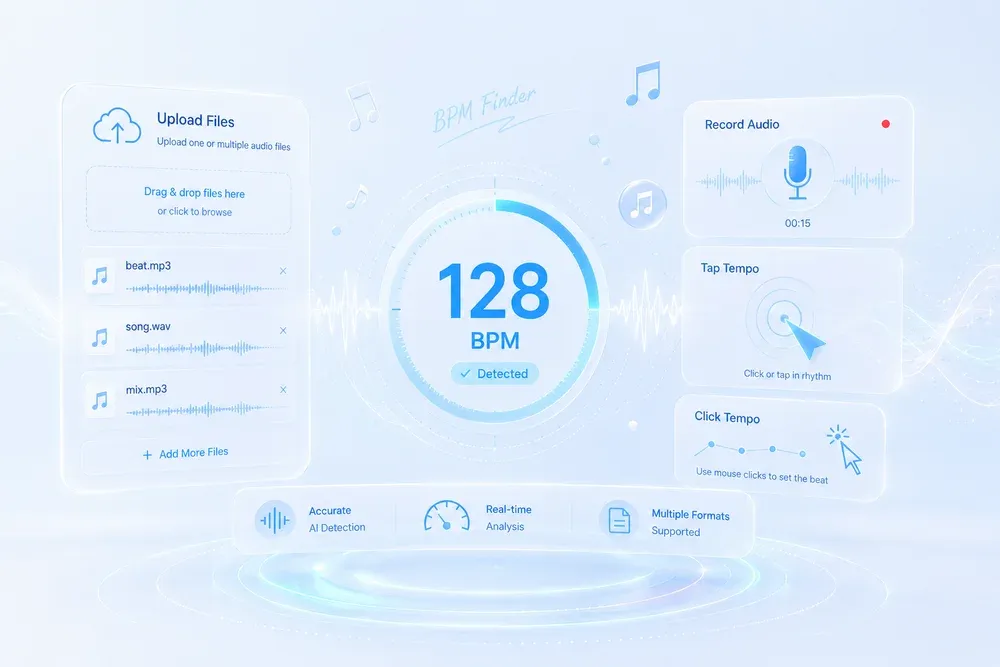
Get the exact BPM of any song in seconds. Upload audio, use your microphone, or tap the tempo for real-time beat detection. Fast, accurate, and completely free.

Studio-grade Feel
Preserve rhythm, tone, and musical mood.

Real AI Audio
Generate useful results for real creative tasks.

Fast & Easy
Upload and start processing in a few steps.

Privacy Protected
Your audio files are processed safely.
HOW IT WORKS
How to use BPM Finder?
A clear three-step flow: provide the source, let AI process it, then preview and download the result.
Upload Files
Upload a single audio file to MusicExtend’s BPM finder to get instant BPM analysis, confidence scoring, and manual adjustments. You can also upload multiple files simultaneously for efficient workflow using our song BPM finder feature.
Tap Tempo Mode
Manually tap the rhythm to find BPM. Perfect for live performances or when no audio file is available, leveraging the lightweight key and BPM finder functionality.

Real-time Microphone Input
MusicExtend supports real-time BPM analysis from microphone input. Ideal for analyzing music from speakers or streaming sources using the BPM and key finder module.
USE CASES
Real-World Applications of BPM Finder
See how BPM analysis helps organize music libraries, sync playlists, and streamline workflows for DJs, fitness, and content creation.
DJ & Music Production
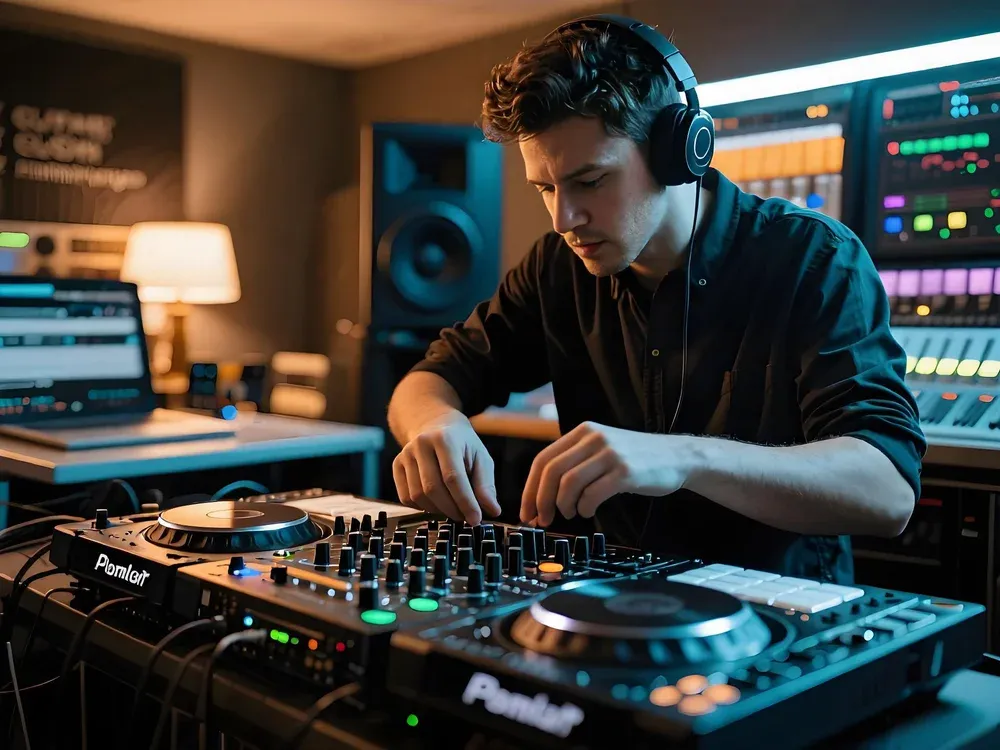
• Organize large music libraries with song BPM finder, sorting tracks by tempo for easy access. • Analyze tracks in real-time with BPM and key finder for efficient mixing and accurate beatmatching. • Quickly detect tempo and key for sample libraries and production workflows.
Fitness & Live Events
• Create tempo-matched playlists for workouts or live events using BPM and key finder. • Ensure tracks match specific workout intensities or dance routines with find BPM. • Use tap tempo or batch processing to efficiently plan classes and events.

Video Editing & Content Creation
• Sync background music to video cuts using BPM key finder or tap tempo mode. • Curate tempo-matched music collections for content creation. • Analyze streaming or live audio in real-time with BPM and key finder to maintain professional workflows.
WHY MUSICEXTEND
Music Professionals Trust Our BPM Tools
Every part of the flow is designed around one goal: help users get usable audio results faster.

Universal Compatibility
Works with any audio file type, including MP3, WAV, FLAC, AAC, OGG, and M4A. All processing happens locally for fast and secure analysis using BPM finder MP3.

All-in-One BPM Tool
Four versatile modes cover every BPM scenario: single file upload, batch processing, manual tap tempo, and real-time microphone input.

Professional Accuracy & Privacy
Industry-standard algorithms provide precise tempo analysis with confidence scoring and manual adjustments via key BPM finder. The file is used locally and will not be uploaded to the server.
Frequently Asked Questions
Credits are MusicExtend’s prepaid balance: each AI tool function costs credits. No subscription, no monthly fee.
Expiry rules are shown under “Payment details” on this page; if none is declared, credits never expire.
Payment status is shown in order details; if your order is not updated for a long time, contact support with your payment receipt.
Refunds follow the refund policy linked on this page.
Credits can be used on any tool that supports credit payment.
Email [email protected] and we will get back to you promptly.
Start Using BPM Tools Instantly
Analyze your tracks with BPM finder, and take control of your music workflow.