Remove Background Music from Video or Audio Online Free
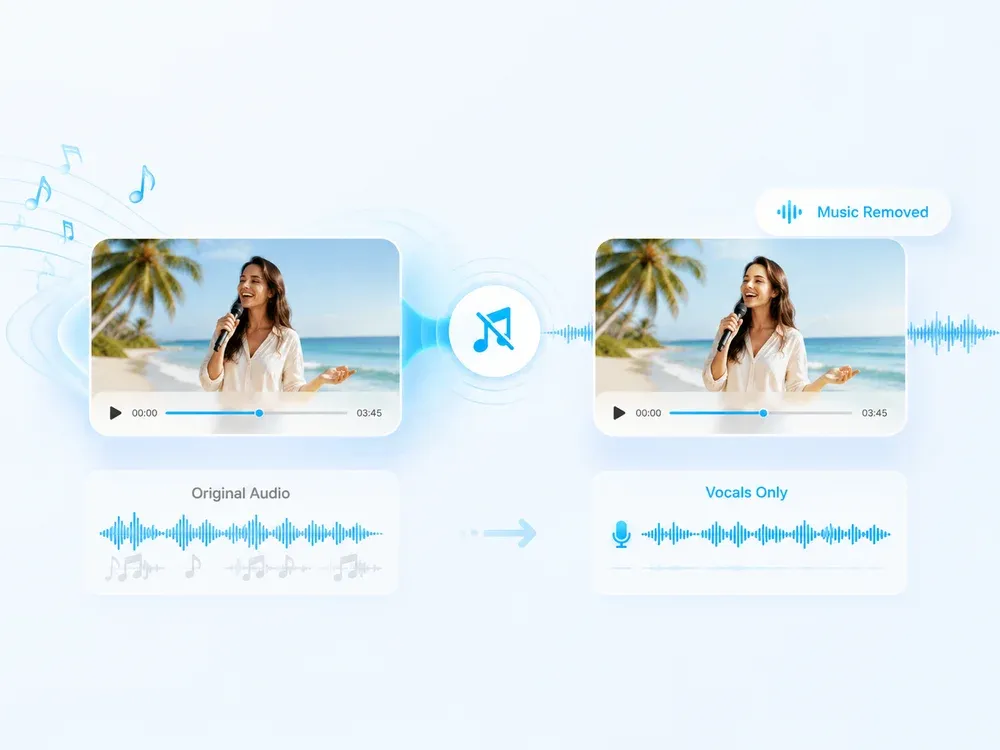
Easily remove background music from video or audio with our Background Music Remover, fast, simple, and completely free to use!

Studio-grade Feel
Preserve rhythm, tone, and musical mood.

Real AI Audio
Generate useful results for real creative tasks.

Fast & Easy
Upload and start processing in a few steps.

Privacy Protected
Your audio files are processed safely.
HOW IT WORKS
How to remove background music from a video or audio?
A clear three-step flow: provide the source, let AI process it, then preview and download the result.
Upload Your File
Choose a video or audio file you want to clean up. We support MP4, MP3, MOV, WAV, and more.
Remove Background Music
Our AI-powered background music remover will analyze the file and automatically remove background music while keeping important sounds.

Download the Clean File
Once processed, download your new file with the background music removed. No watermark, no sign-up.
USE CASES
Who Should Use the AI Background Music Remover?
Clear voices, easy removal, and professional results
Clean Up Lectures & Tutorials
Use our background music remover to clean recorded lessons and tutorials. Remove background distractions and keep only the speaker’s voice for clearer learning.

Polish Podcasts & Voiceovers
Enhance your voice tracks by removing unwanted sounds. Our tool helps remove background music from podcasts or voiceovers, giving your audio a clean, professional finish.

Refine Video Audio Before Upload
Planning to post a vlog, commentary, or interview? Use our background music remover to make vocals stand out by eliminating background audio clutter — no editing needed.

WHY MUSICEXTEND
Powerful Background Music Remover, Made for You
Every part of the flow is designed around one goal: help users get usable audio results faster.

Smart Background Music Removal
Our background music remover uses AI to accurately remove background tracks from audio or video while keeping vocals clear and untouched.

Quick & Hassle-Free
Remove background music from your files in seconds. No software download, no learning curve — just upload and clean.

Free & Private
Your files stay secure and private. Enjoy professional music remover from video features completely free.
Frequently Asked Questions
Credits are MusicExtend’s prepaid balance: each AI tool function costs credits. No subscription, no monthly fee.
Expiry rules are shown under “Payment details” on this page; if none is declared, credits never expire.
Payment status is shown in order details; if your order is not updated for a long time, contact support with your payment receipt.
Refunds follow the refund policy linked on this page.
Credits can be used on any tool that supports credit payment.
Email [email protected] and we will get back to you promptly.
Remove Background Music, Keep Only the Voice
No download, no signup, no watermark — just clean voice in seconds.