Remove Music from Video Online Free
Easily remove music from video with our Background Music Remover, fast, simple, and completely free to use!

Studio-grade Feel
Preserve rhythm, tone, and musical mood.

Real AI Audio
Generate useful results for real creative tasks.

Fast & Easy
Upload and start processing in a few steps.

Privacy Protected
Your audio files are processed safely.
HOW IT WORKS
How to remove audio from video?
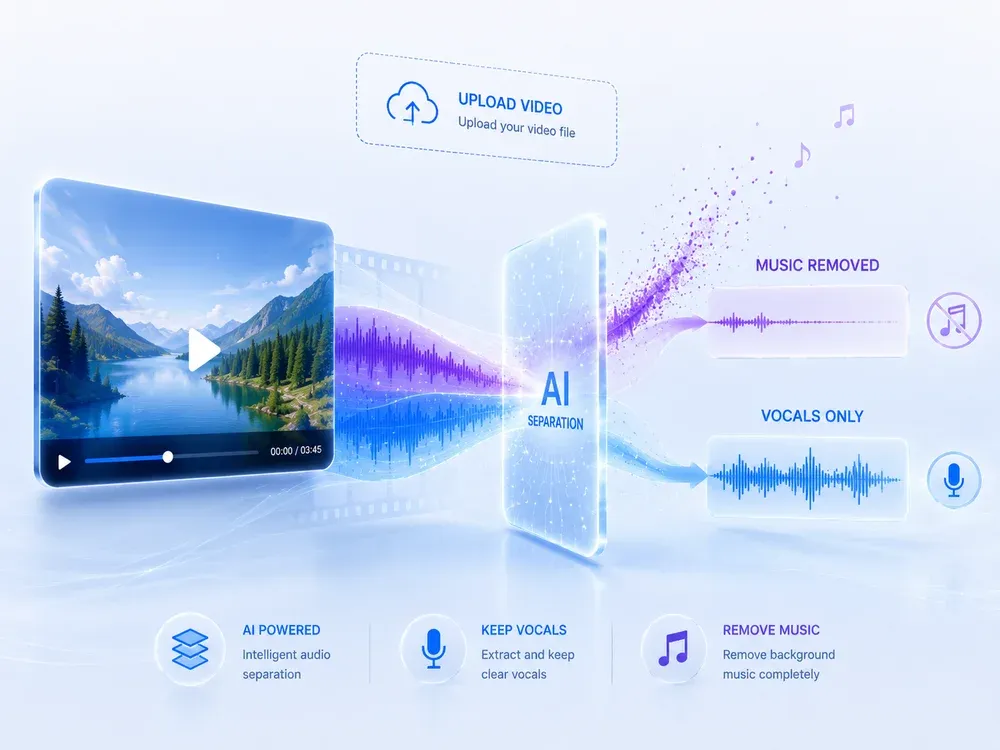
A clear three-step flow: provide the source, let AI process it, then preview and download the result.
Upload your video
Click the Upload button to select your video file. We support MP4, MKV, AVI, MOV and many other formats.
Remove the music
After a moment, the system will process your video and automatically remove music from video.

Download your clean video
Download and save the converted silent video to your device for your subsequent use or sharing.
USE CASES
Designed for Presenters, Creators, and Everyday Use
Clean visuals, flexible use, and zero distractions
Silent Video for Visual Presentations
Need to remove music from video for a clean presentation? Our background music remover helps you create distraction-free visuals ideal for business meetings, classroom slideshows, or portfolio showcases. Without background noise, your message takes center stage.

Background Loops for Live Events
Use our background music remover to create silent looping videos that fit seamlessly into live events — from exhibitions and weddings to stage shows. When you remove music from video, it blends perfectly with ambient sounds without disrupting the vibe.

Create Custom Sound Design Projects
Remove music from video to gain a clean slate for your own soundtracks, voiceovers, or special effects. With our precise background music remover, editors and sound designers have full control over the audio layer.

WHY MUSICEXTEND
Your Best Tool to Remove Background Music from Video
Every part of the flow is designed around one goal: help users get usable audio results faster.

Smart Audio Removal
Our music remover from video tool accurately removes background music while keeping voices clear.

Fast & Simple
Remove background music from video in seconds — no apps, no hassle.

Private & Free
Your videos stay private. No account needed. Music remover from video is 100% free.
Frequently Asked Questions
Credits are MusicExtend’s prepaid balance: each AI tool function costs credits. No subscription, no monthly fee.
Expiry rules are shown under “Payment details” on this page; if none is declared, credits never expire.
Payment status is shown in order details; if your order is not updated for a long time, contact support with your payment receipt.
Refunds follow the refund policy linked on this page.
Credits can be used on any tool that supports credit payment.
Email [email protected] and we will get back to you promptly.
Remove Music from Video Instantly — Free & No Registration
Use our AI-powered Background Music Remover to quickly mute any video on PC, Mac, or mobile — no downloads, no sign-ups, 100% free.