AI Audio Splitter
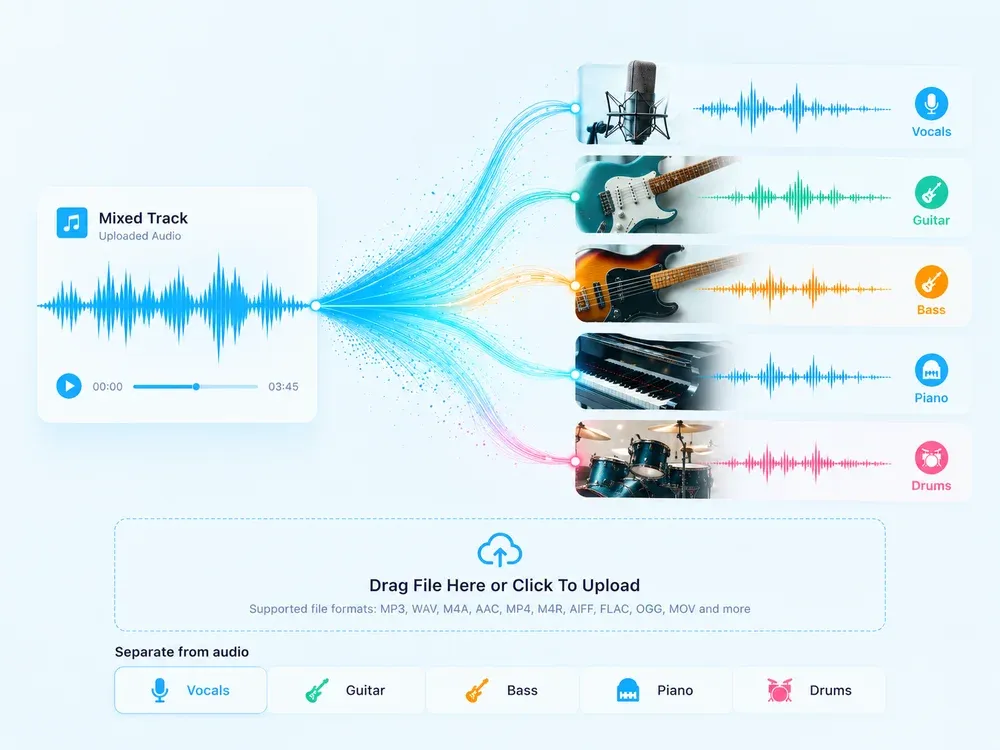
Upload a song and split it into clean, isolated stems: get pure vocals, full backing tracks, or individual instruments like drums, bass, guitar, and piano—all powered by AI.

Studio-grade Feel
Preserve rhythm, tone, and musical mood.

Real AI Audio
Generate useful results for real creative tasks.

Fast & Easy
Upload and start processing in a few steps.

Privacy Protected
Your audio files are processed safely.
HOW IT WORKS
How to use AI Audio Splitter?
A clear three-step flow: provide the source, let AI process it, then preview and download the result.
Upload Your Audio File
Drag and drop or click to upload any song in supported formats: MP3, WAV, M4A, MP4, AAC, FLAC, and more.
Choose What to Separate
Select the instrument or vocal track you want to isolate—vocals, drums, bass, guitar, or piano. The AI will process it automatically.

Download Isolated Stems
Once processing is complete, download your clean, isolated vocals or instrumental stems instantly—for remixing, practice, or production.
USE CASES
Perfect for Every Music Creator
Whether you’re remixing, practicing, or creating content—turn any song into your creative asset.
Remix & Produce with Isolated Stems
Tired of limited stems? Our AI audio splitter lets you extract clean vocals or remove vocals entirely to generate pure backing tracks. You can also isolate drums, bass, guitar, or piano—perfect for remixing, sampling, or building new arrangements. Forget generic drum removers; get full control over every layer of your music.
Sing & Record with Perfect Backing Tracks
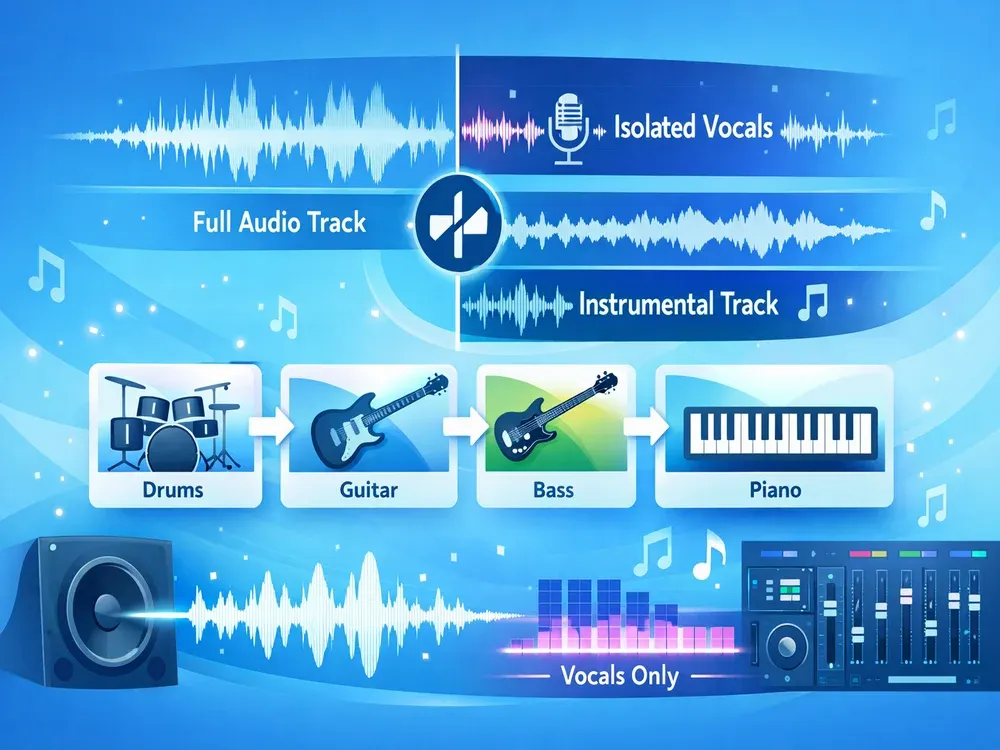
Need a clean instrumental for your cover? Use our vocal remover to remove vocals from any song and get a studio-quality backing track—no artifacts, no phase issues. Or extract vocals to study phrasing and technique. Whether you’re a singer, streamer, or vocal coach, our audio splitter gives you the flexibility to create exactly what you need.
Learn & Practice Any Instrument in Isolation
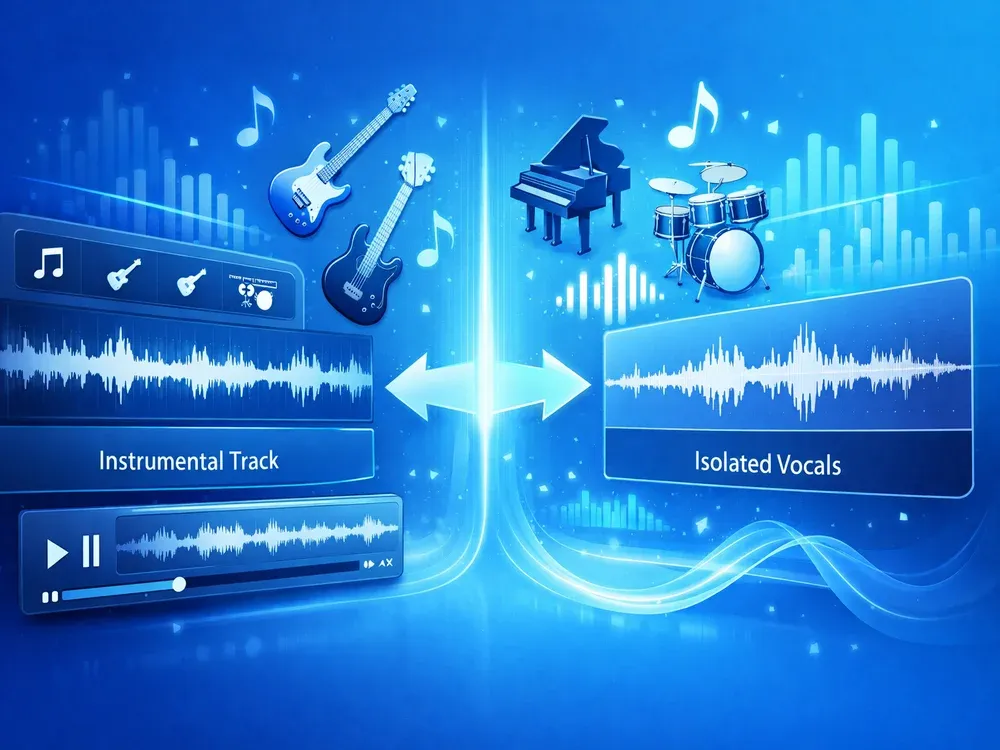
Struggling to hear the bassline in a mix? Use our AI audio splitter to remove vocals and other instruments, leaving only the drum, bass, guitar, or piano track you want to learn. Practice along with crystal-clear stems—ideal for transcribing solos, mastering grooves, or improving timing. Finally, a true practice tool beyond basic drum removers or bass removers.
Create Engaging Content with Clean Audio Layers
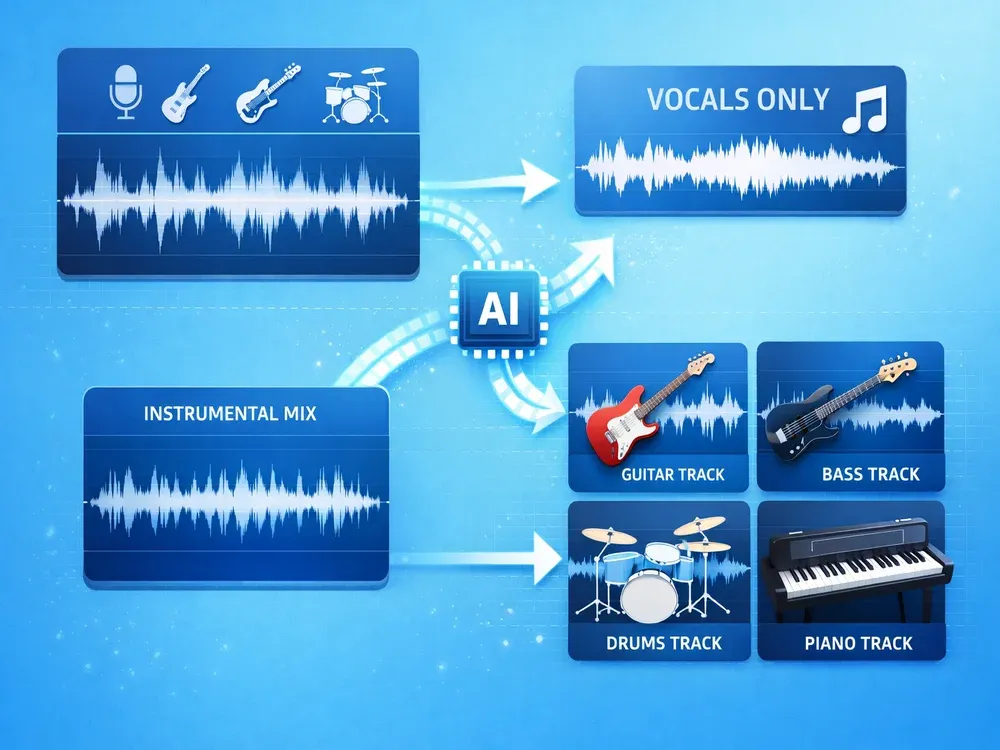
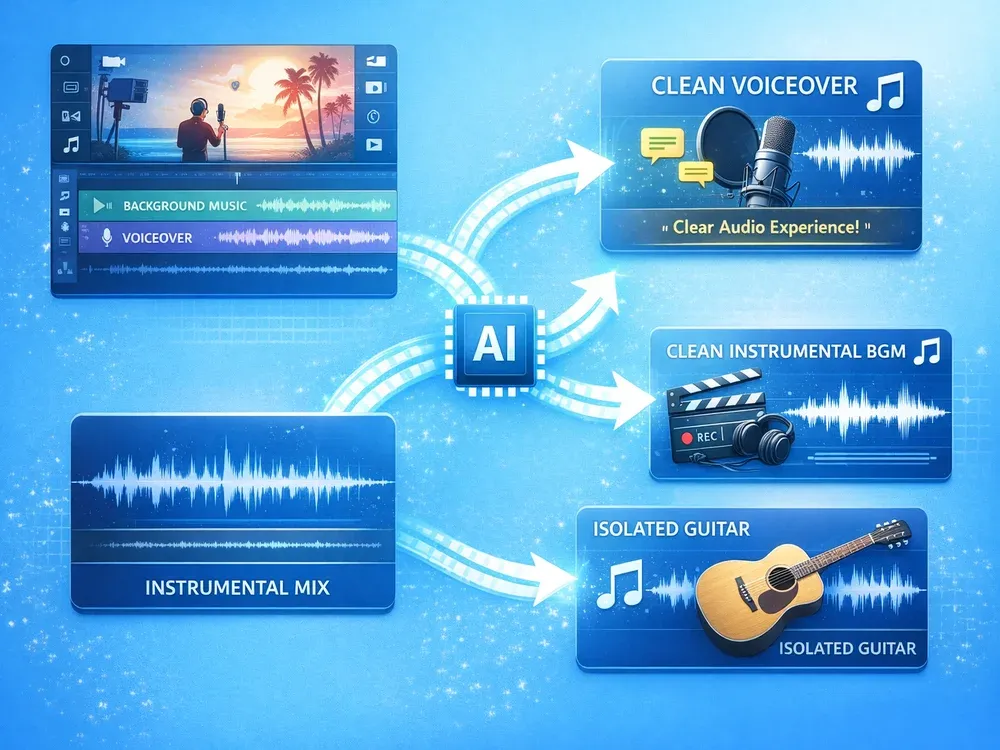
For videos, podcasts, or reels, you often need clean voice or background music. Extract vocals to use as voiceover or for subtitling. Remove vocals to get instrumental BGMs. Or isolate piano or guitar for mood-setting audio. Our online audio splitter ensures professional sound without complex DAWs—ideal for creators who demand clarity and control.
WHY MUSICEXTEND
Built for Serious Audio Work
Every part of the flow is designed around one goal: help users get usable audio results faster.

Efficient Workflow
Process audio directly in your browser with a streamlined interface. From upload to download, every step is designed for creators who need reliable separation without technical friction.

Studio-Grade Quality
Our AI audio splitter delivers clean, phase-coherent stems with no artifacts. Whether you extract vocals, isolate drums, or remove bass, the output retains natural tone and is ready for professional use.

Full Multi-Stem Output
Unlike tools limited to vocals and backing tracks, MusicExtend separates five distinct stems: Vocals, Drums, Bass, Guitar, and Piano. This gives you true flexibility for remixing, practice, or music production.
Frequently Asked Questions
Credits are MusicExtend’s prepaid balance: each AI tool function costs credits. No subscription, no monthly fee.
Expiry rules are shown under “Payment details” on this page; if none is declared, credits never expire.
Payment status is shown in order details; if your order is not updated for a long time, contact support with your payment receipt.
Refunds follow the refund policy linked on this page.
Credits can be used on any tool that supports credit payment.
Email [email protected] and we will get back to you promptly.
Split Audio Like a Pro
Extract vocals, isolate instruments, get clean stems.