AI Audio Cleaner
Clean and enhance your voice recordings in seconds. Just professional-quality audio, powered by AI.
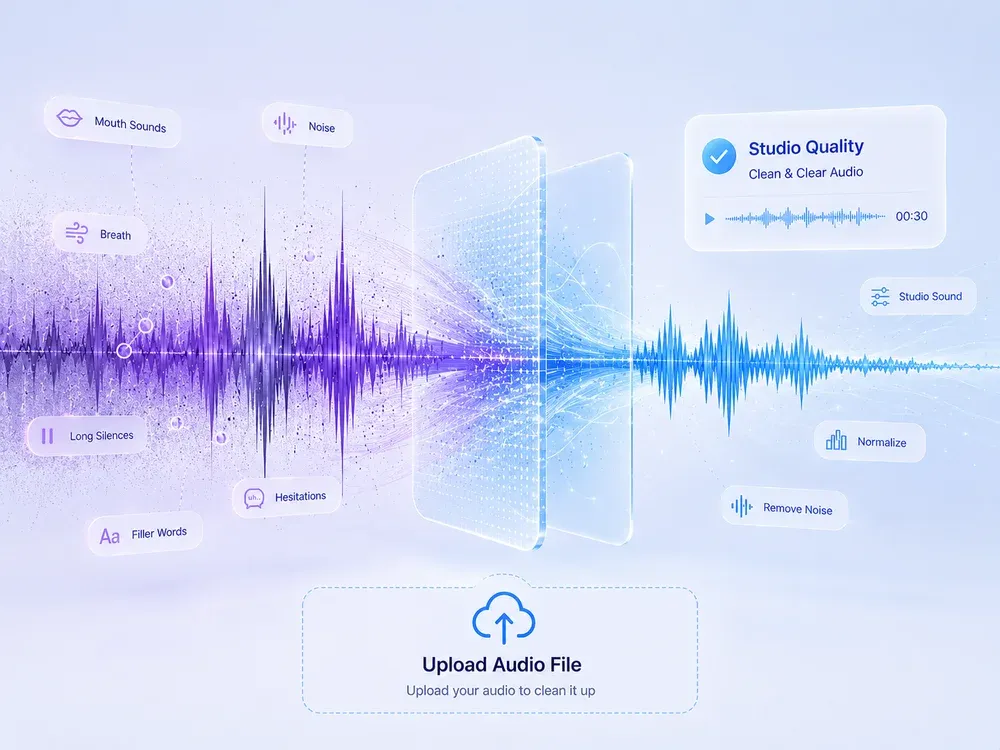

Studio-grade Feel
Preserve rhythm, tone, and musical mood.

Real AI Audio
Generate useful results for real creative tasks.

Fast & Easy
Upload and start processing in a few steps.

Privacy Protected
Your audio files are processed safely.
HOW IT WORKS
How to Clean & Enhance Audio with AI?
A clear three-step flow: provide the source, let AI process it, then preview and download the result.
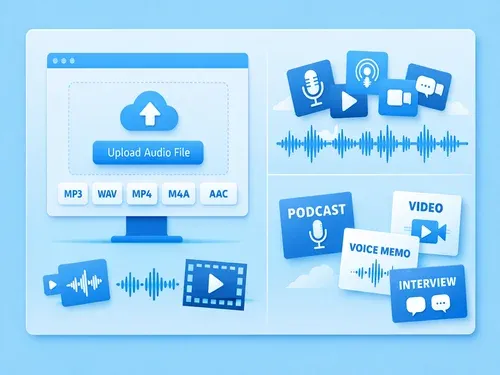
Upload Your Audio
Supports MP3, WAV, MP4, M4A, FLAC, AAC and more. Works with voice recordings, podcasts, videos, interviews—any audio or video file with speech.

AI Cleans & Enhances
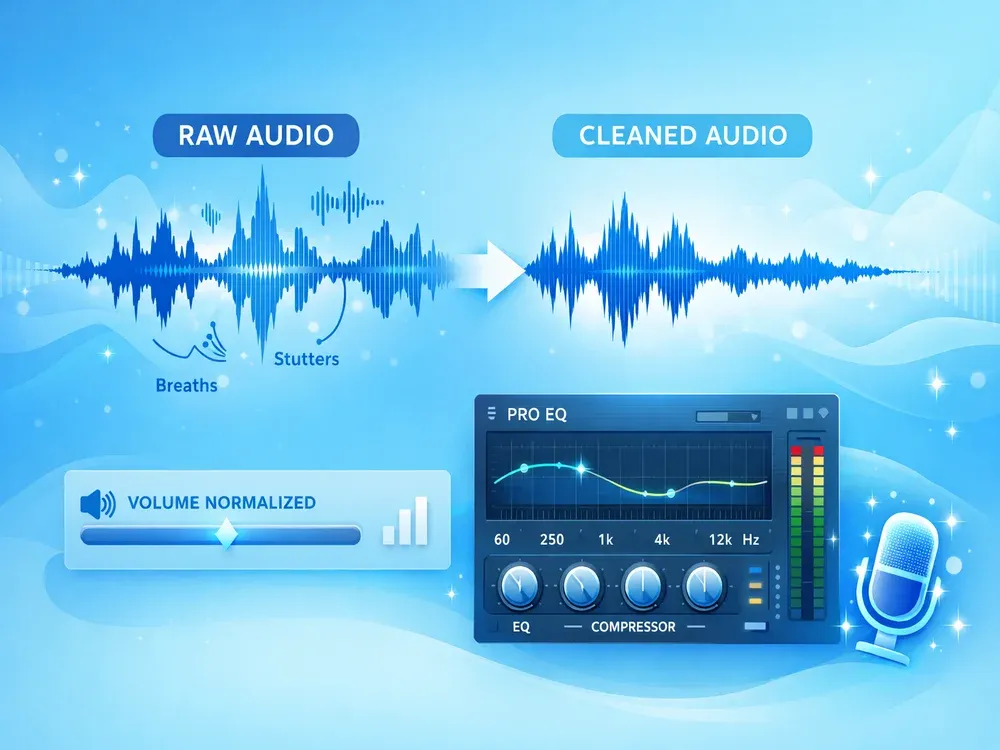
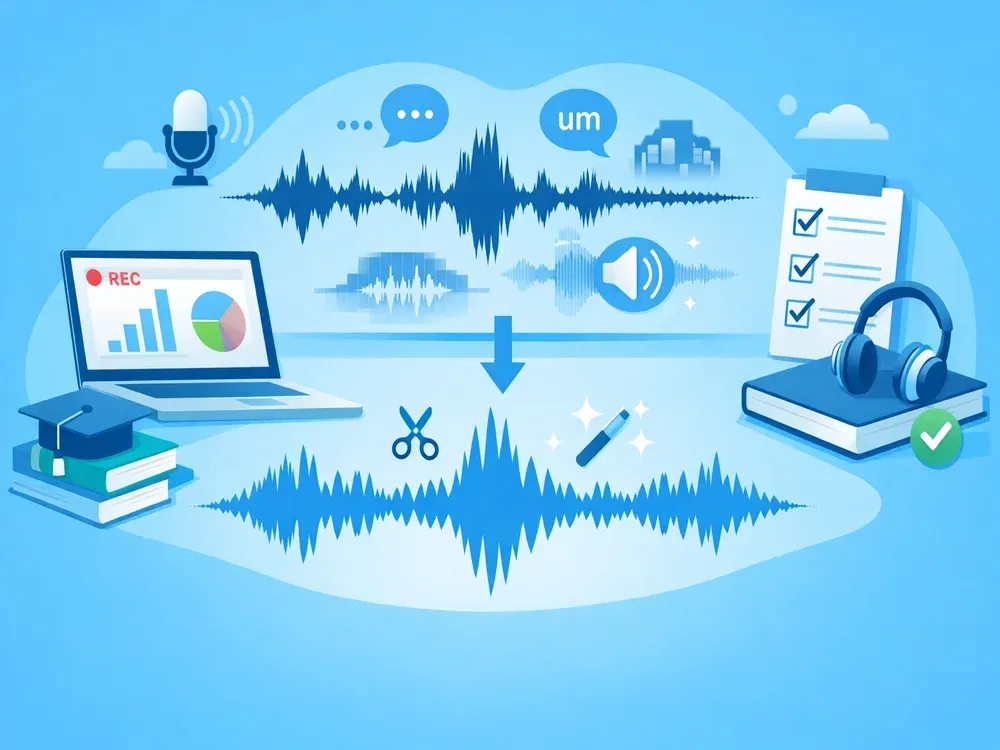
MusicExtend's AI removes echo, background noise, breath sounds, mouth clicks, fillers (“um”, “uh”), hesitations, stutters, and long silences—then applies studio sound, auto EQ, and volume normalization for professional quality.
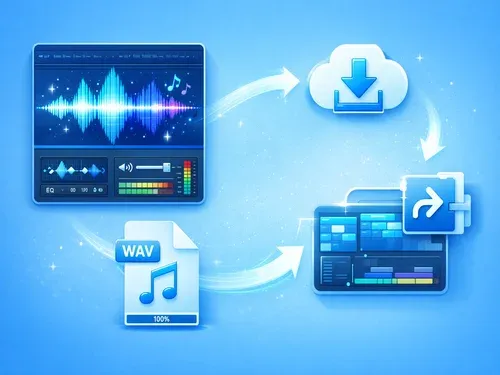

Download or Share
Preview your cleaned audio, adjust settings if needed, and download in seconds—or share directly to your editing workflow.
USE CASES
AI Audio Cleaner for Every Creator
Your Voice. Clear. Confident. Professional.
Professional Podcasts & Interviews
Long recordings often suffer from echo, background noise, mouth clicks, and filler words like “um” or “uh.” MusicExtend’s AI automatically removes these distractions while preserving natural speech flow. Turn raw interviews into polished, broadcast-ready episodes—fast.

Voiceovers & Audiobooks
Voice actors need clean, consistent audio without breath sounds, stutters, or uneven volume. MusicExtend's AI reduces loud breathing, edits subtle stutters, normalizes volume, and applies studio-quality EQ—so your narration sounds smooth, engaging, and fatigue-free, even over hours.
Online Courses & Business Presentations
Lecture recordings often include long silences, repeated words, and room echo—making them feel unpolished. MusicExtend trims silent gaps, removes hesitations, and cleans up environmental noise, delivering crisp, confident audio that keeps learners focused.
Video Content & Social Media
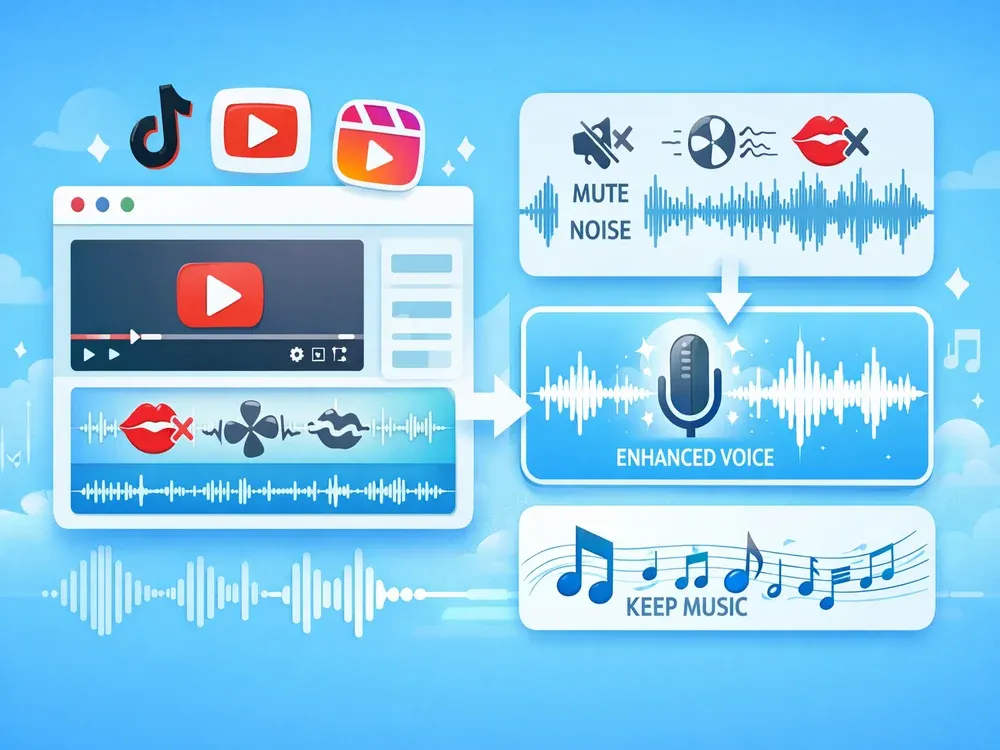
YouTube, TikTok, and Reels demand distraction-free audio. Whether it’s mouth smacks in a vlog or background hum in a tutorial, MusicExtend's AI cleans it all—instantly. Plus, with “keep music” mode, your background score stays intact while voice is enhanced.
WHY MUSICEXTEND
Audio, Perfected by AI
Every part of the flow is designed around one goal: help users get usable audio results faster.

Natural & Clear
Your voice stays authentic—just cleaner, smoother, and free of distractions like breath, mouth sounds, or echo.

Studio Quality
Automatically enhanced with professional EQ, volume balancing, and studio sound—ready for podcasts, voiceovers, or video.

Effortless Workflow
Upload, process, and download in seconds. Works on any device with full control over breath reduction, silence trimming, and music preservation.
Frequently Asked Questions
Credits are MusicExtend’s prepaid balance: each AI tool function costs credits. No subscription, no monthly fee.
Expiry rules are shown under “Payment details” on this page; if none is declared, credits never expire.
Payment status is shown in order details; if your order is not updated for a long time, contact support with your payment receipt.
Refunds follow the refund policy linked on this page.
Credits can be used on any tool that supports credit payment.
Email [email protected] and we will get back to you promptly.
Perfect Your Audio in Seconds
Upload. Clean. Enhance. Get studio-quality audio instantly.