Free AI Reverb Remover Online
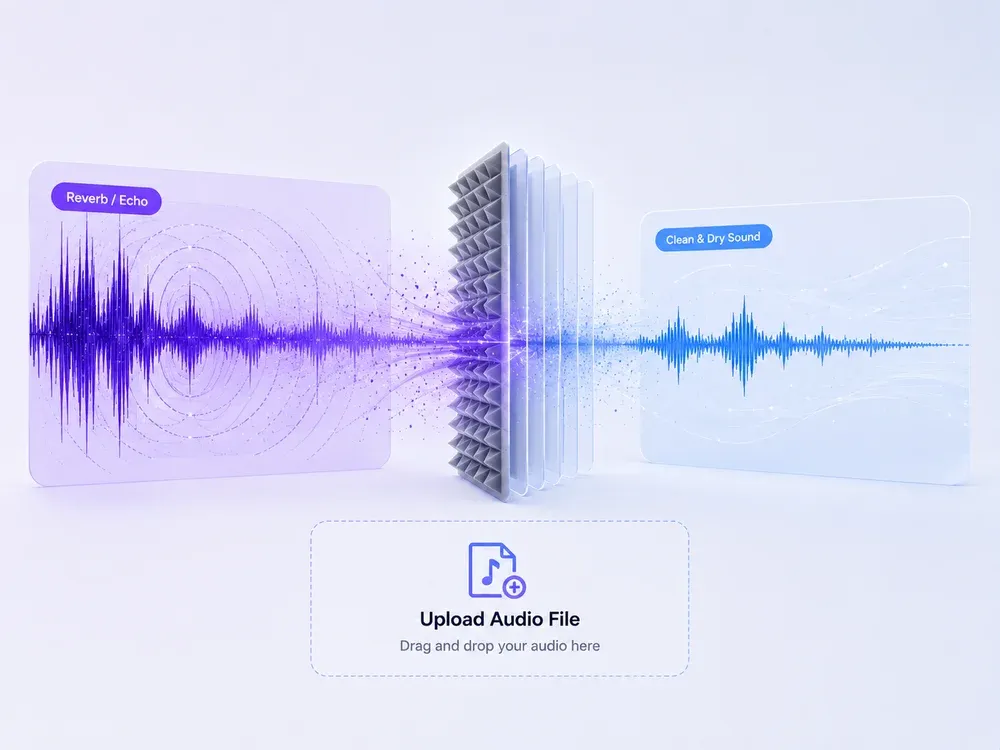
Our AI de-reverb online tool lets you clean up echoes and reverb with one click. Upload any file and get studio-quality audio—fast, free, and no sign-up required.

Studio-grade Feel
Preserve rhythm, tone, and musical mood.

Real AI Audio
Generate useful results for real creative tasks.

Fast & Easy
Upload and start processing in a few steps.

Privacy Protected
Your audio files are processed safely.
HOW IT WORKS
How to Use De-reverb online?
A clear three-step flow: provide the source, let AI process it, then preview and download the result.
Upload or Paste
Upload your audio or video file or paste a link if supported—into our de-reverb online tool. Just drag-and-drop or click to upload.
Click to Remove Reverb
Hit the “Remove Reverb” or “Convert” button and let our AI-powered reverb remover handle the rest. In seconds, it eliminates unwanted echo and reverb.

Preview & Download
Preview the output, then download your reverb-free audio instantly. Enjoy studio-quality clarity—free, fast, and browser-based.
USE CASES
Real-Life Use Cases of De-Reverb Online
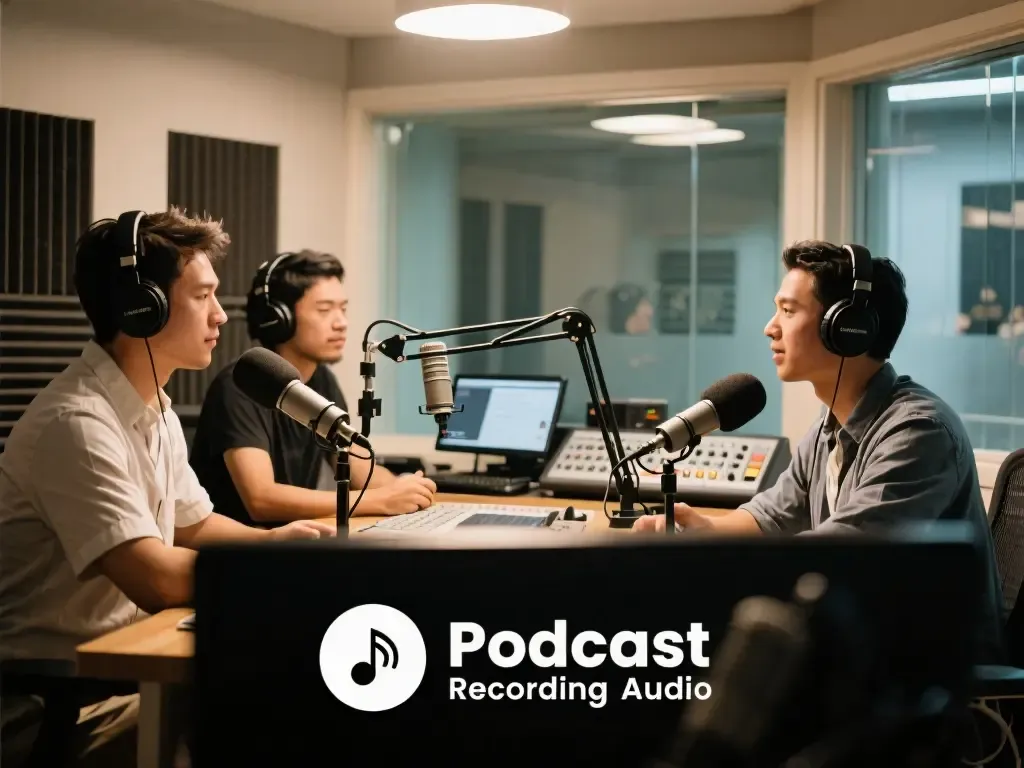
Remove Reverb for Podcasts and Voice Recordings
During podcast or voice recording, environmental reverb can make audio sound muffled. Use our online reverb remover to quickly remove reverb from your recordings, making voices clearer and enhancing listener experience.
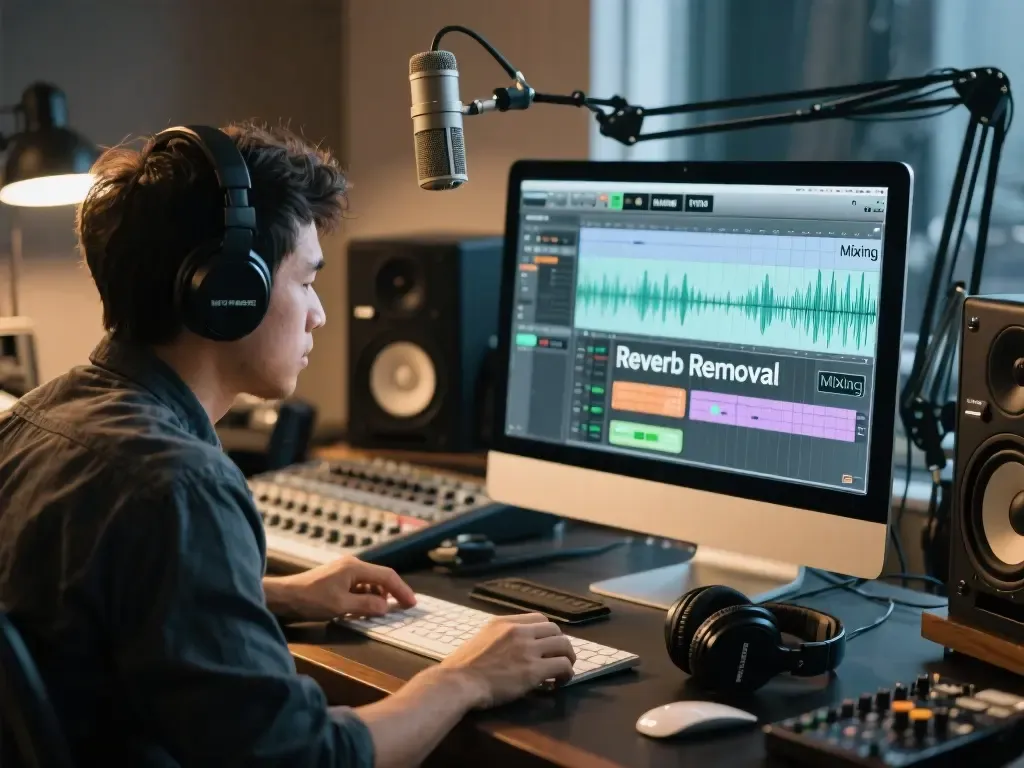
Reverb Removal in Music Production and Mixing
In music production, excessive reverb can reduce clarity in tracks. With our reverb remover, you can easily remove reverb from audio, making instruments and vocals stand out and helping mixing engineers achieve a professional sound.
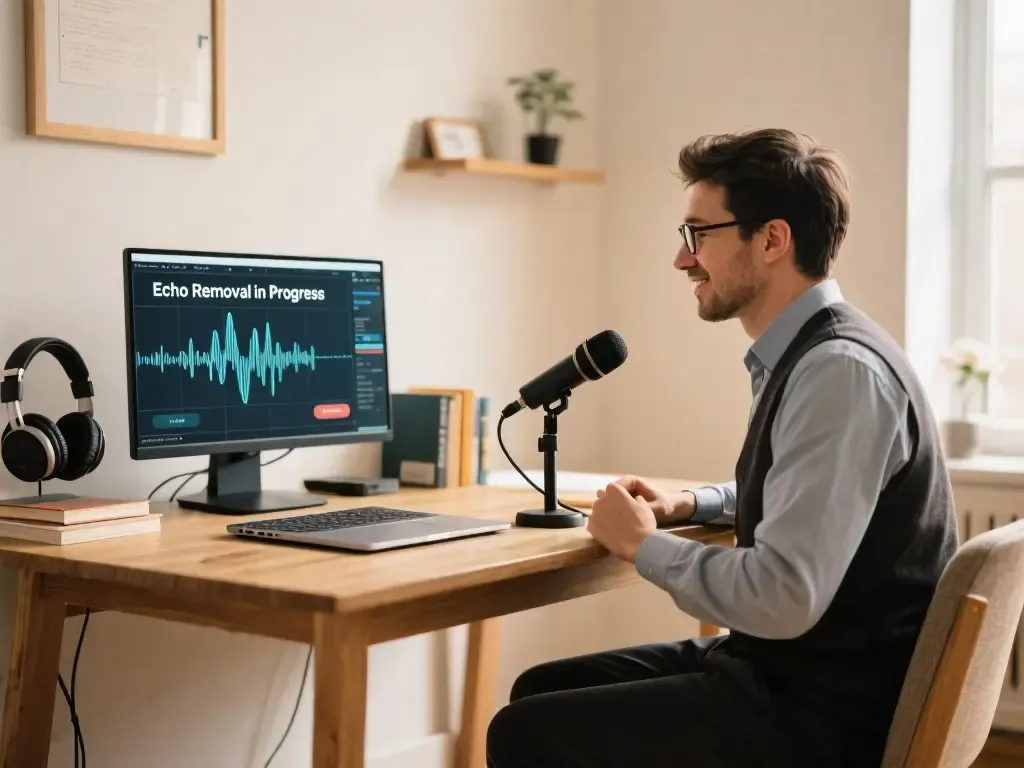
Clear Reverb in Online Teaching Recordings
Educators and online course creators often face reverb issues in recordings, making explanations unclear. Using our reverb removal tool removes reverb from audio, ensuring every word is heard clearly by students.
WHY MUSICEXTEND
Why Choose Our De-Reverb Online Tool?
Every part of the flow is designed around one goal: help users get usable audio results faster.

AI-Powered Reverb Removal
Our AI-powered reverb remover intelligently analyzes your audio and removes unwanted reverb with precision. Experience professional-quality audio in just a few clicks.

Free and Easy to Use
Try our de-reverb online tool for free! Remove reverb from audio without any downloads or complicated setups, making it accessible for everyone.

High-Fidelity Audio Output
Our advanced reverb removal technology ensures your recordings stay natural and clear. Perfect for music, podcasts, and voiceovers where high-quality sound matters.
Frequently Asked Questions
Credits are MusicExtend’s prepaid balance: each AI tool function costs credits. No subscription, no monthly fee.
Expiry rules are shown under “Payment details” on this page; if none is declared, credits never expire.
Payment status is shown in order details; if your order is not updated for a long time, contact support with your payment receipt.
Refunds follow the refund policy linked on this page.
Credits can be used on any tool that supports credit payment.
Email [email protected] and we will get back to you promptly.
Remove Reverb from Your Audio Instantly!
Experience crystal-clear sound with our reverb remover online. Simply upload your file and remove reverb from audio in seconds. Try our de-reverb online tool now for professional reverb removal!