MOV to MP3 Converter Online
Convert MOV videos into high-quality MP3 audio in seconds—fast, secure, and easy to use.



Loved by 10,000+ users
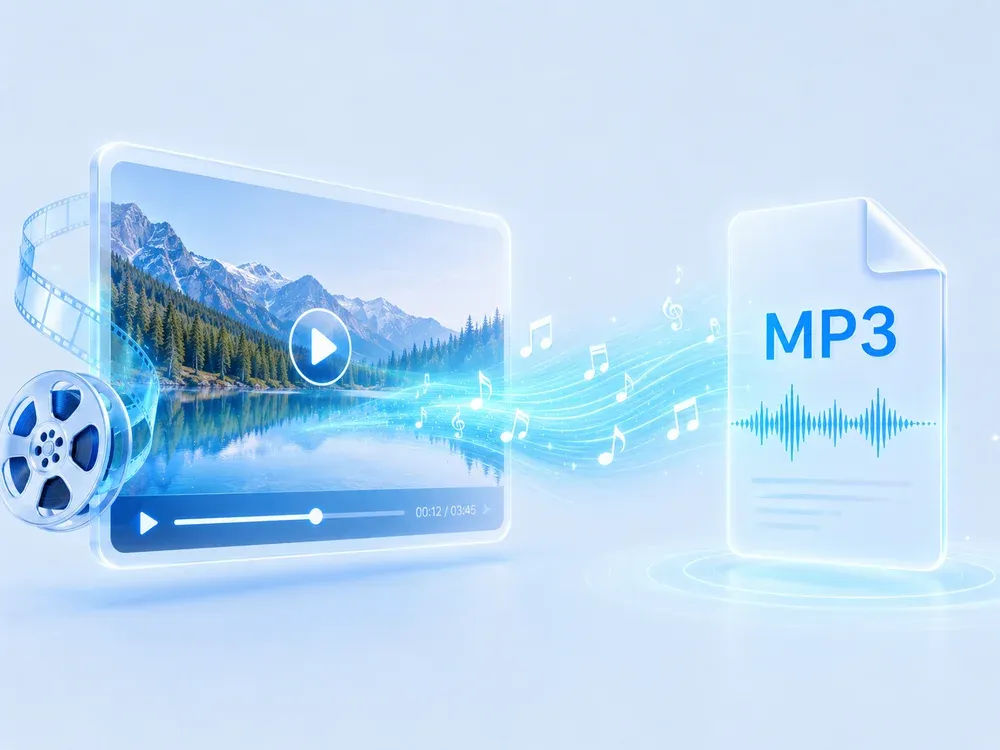

Studio-grade Feel
Preserve rhythm, tone, and musical mood.

Real AI Audio
Generate useful results for real creative tasks.

Fast & Easy
Upload and start processing in a few steps.

Privacy Protected
Your audio files are processed safely.
HOW IT WORKS
How to convert mov to mp3?
A clear three-step flow: provide the source, let AI process it, then preview and download the result.
Upload your MOV file
Drag and drop your MOV video or select it from your device to start converting mov to mp3 instantly.
Choose Audio Settings
Adjust bitrate, quality, or trim audio to extract exactly what you need from your .mov file.

Convert & Download MP3
Extract audio and download your MP3 file instantly for use anywhere.
USE CASES
Extract Audio from MOV for Any Use
Turn your videos into portable audio content—anytime, anywhere with our mov to mp3 converter.
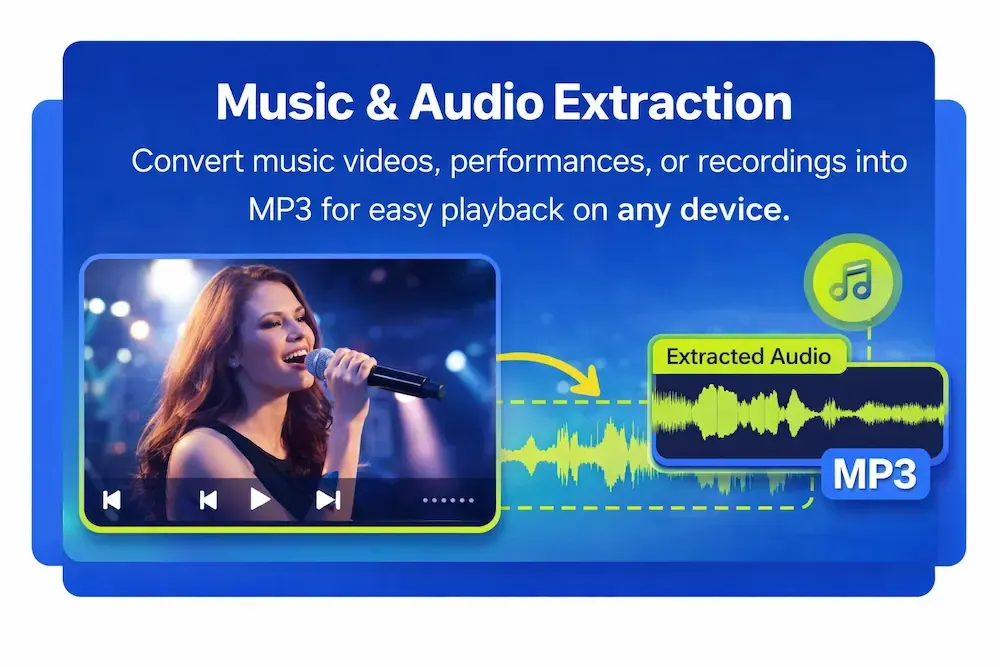
Music & Audio Extraction
Convert music videos, performances, or recordings into MP3 for easy playback on any device.
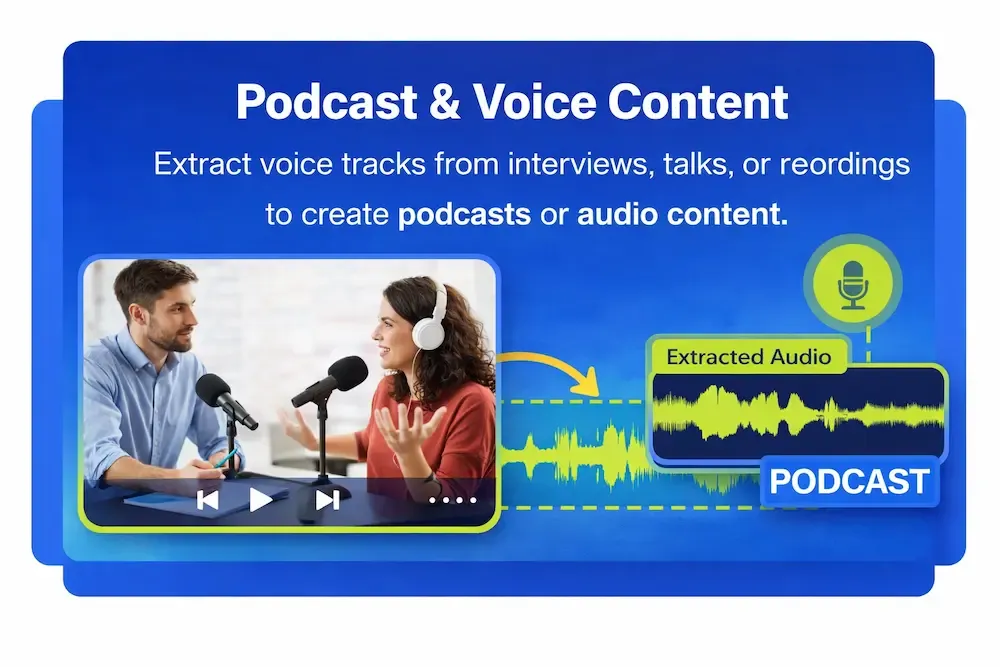
Podcast & Voice Content
Extract voice tracks from interviews, talks, or recordings to create podcasts or audio content.
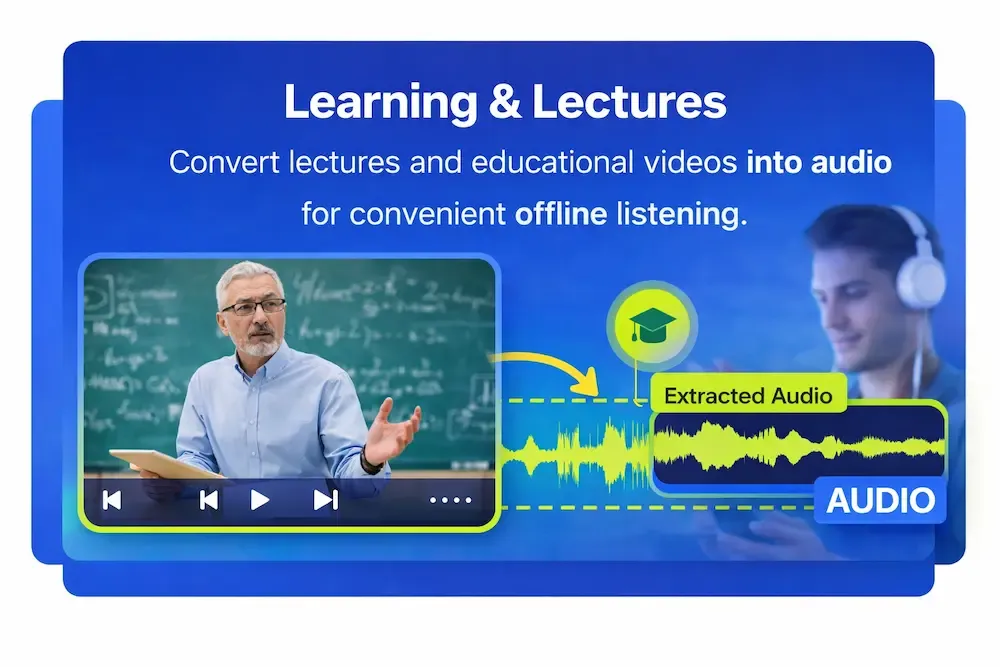
Learning & Lectures
Convert lectures and educational videos into audio for convenient offline listening.
WHY MUSICEXTEND
Why Use Our MOV to MP3 Converter
Every part of the flow is designed around one goal: help users get usable audio results faster.

Lightning-Fast Conversion
Convert MOV to MP3 in seconds with optimized in-browser processing—no waiting, no lag, even for large files.

100% Free & Online
No downloads, no registration, and no hidden limits. Convert .mov to mp3 directly in your browser—anytime, on any device.

Wide Format Support
Not just .mov to .mp3—also supports MP4, WAV, M4A, AAC, OGG, FLAC, and more for all your audio needs.

High-Quality Audio Output
Extract audio without unnecessary compression, preserving clarity and detail for editing, sharing, or listening.

Secure & Private Processing
Your files are protected with encryption and automatically deleted after processing—never stored or shared.

Works Across All Devices
Play your converted MP3 files seamlessly on iPhone, Android, Windows, Mac, and more.
What People Saying About MOV to MP3 Converter Online
Frequently Asked Questions
MOV is a video format developed by Apple for QuickTime, often containing video and audio tracks.
MP3 uses compression, so there may be minimal quality loss—but it’s usually not noticeable.
Yes. You can choose bitrate, sample rate, and other settings to control output quality.
Yes. Most mov to mp3 conversions can be done online for free without installing software.
Yes. Your files are processed securely and are not stored or shared.
Extract Audio from MOV in Seconds
Fast. Simple. High-quality MP3—ready for download.